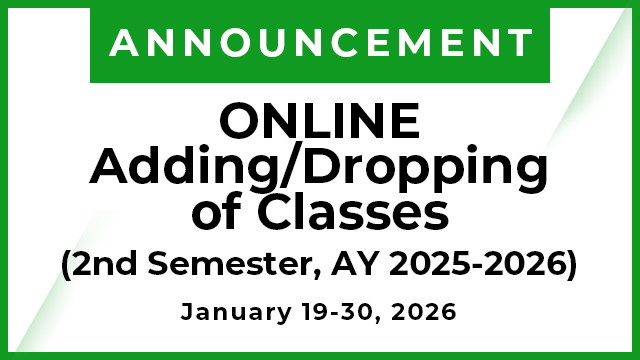
ONLINE Adding/Dropping of Classes
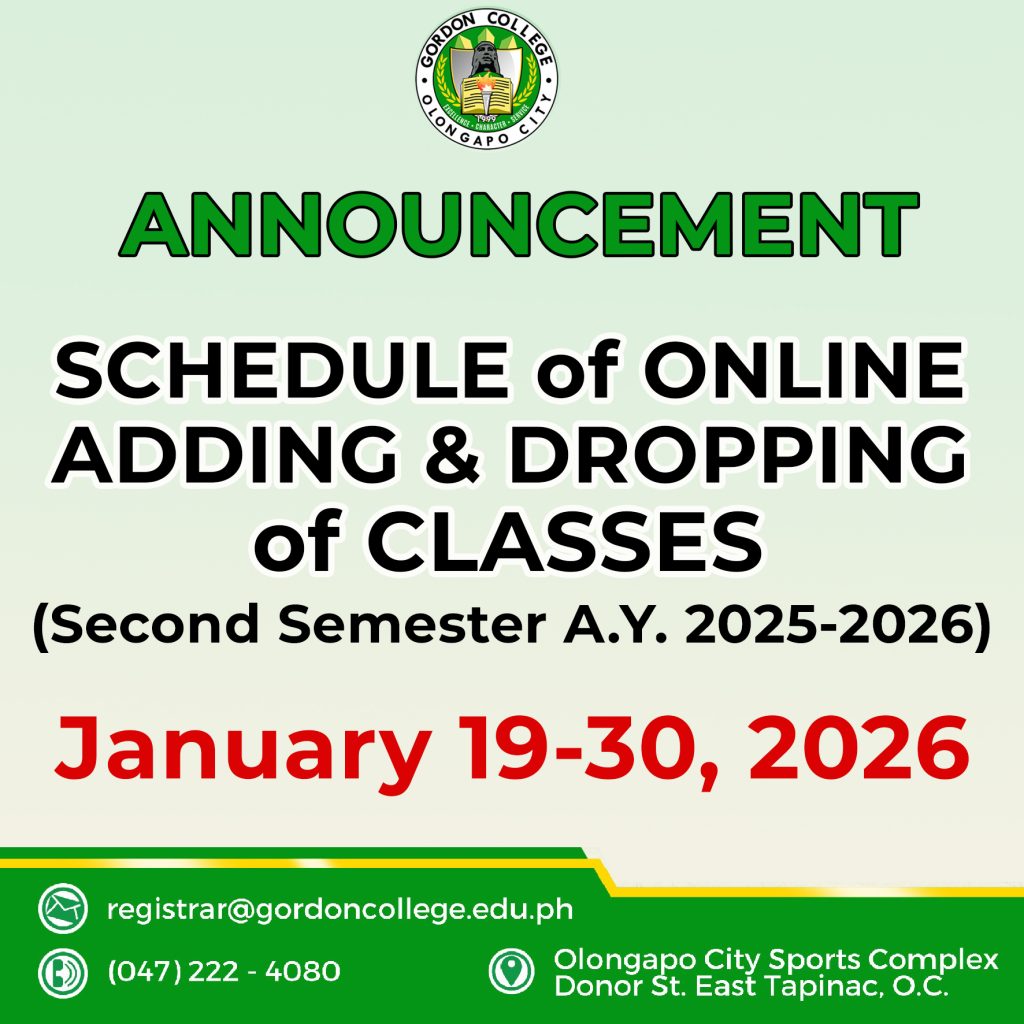
ANNOUNCEMENT:
ONLINE Adding/Dropping of Classes
Second Semester Academic Year 2025-2026
January 19-30, 2026
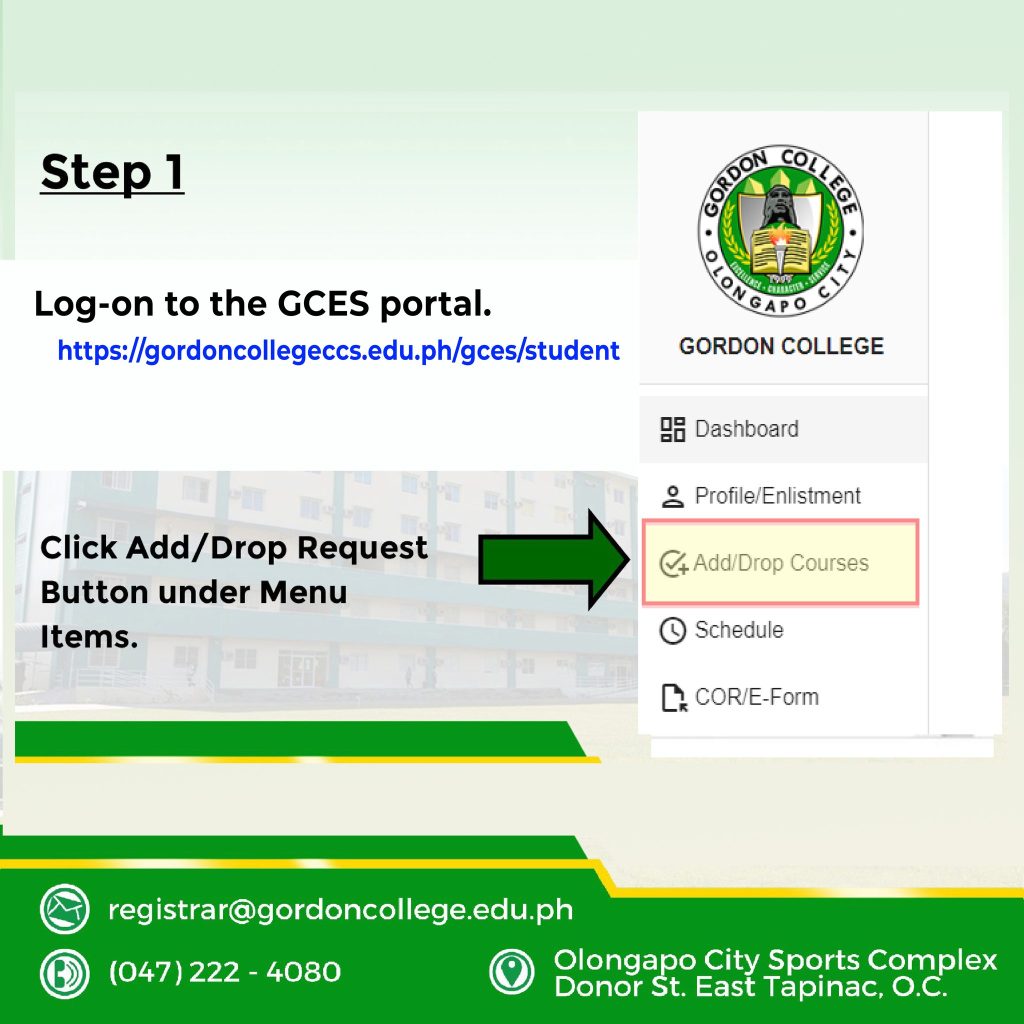
 Step 1
Log-on to the student portal (https://gordoncollegeccs.edu.ph/gces/student)
Click Add/Drop Request Button under Menu Items.
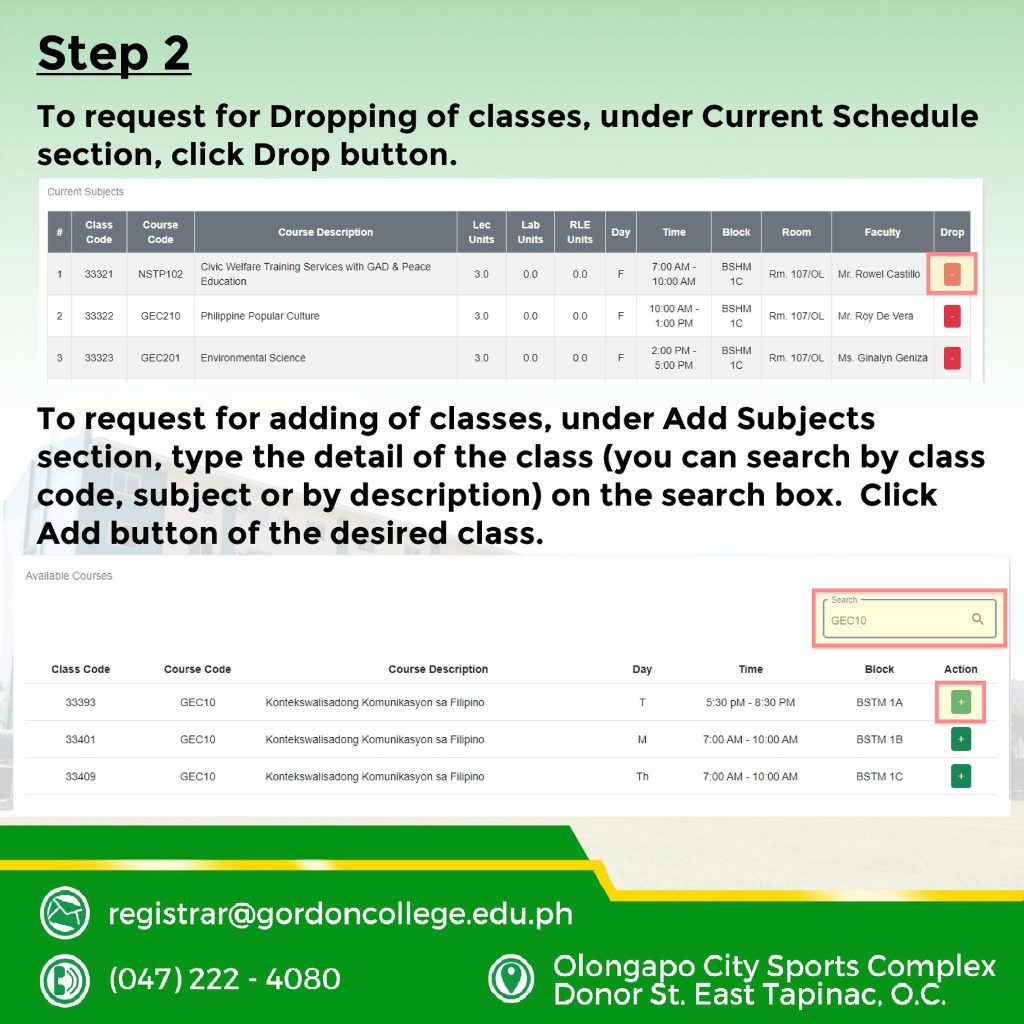
Step 2
To request for Dropping of classes, under Current Schedule section, click Drop button.
To request for adding of classes, under Add Subjects section, type the detail of the class (you can search by class code, subject or by description) on the search box. Click Add button of the desired class.
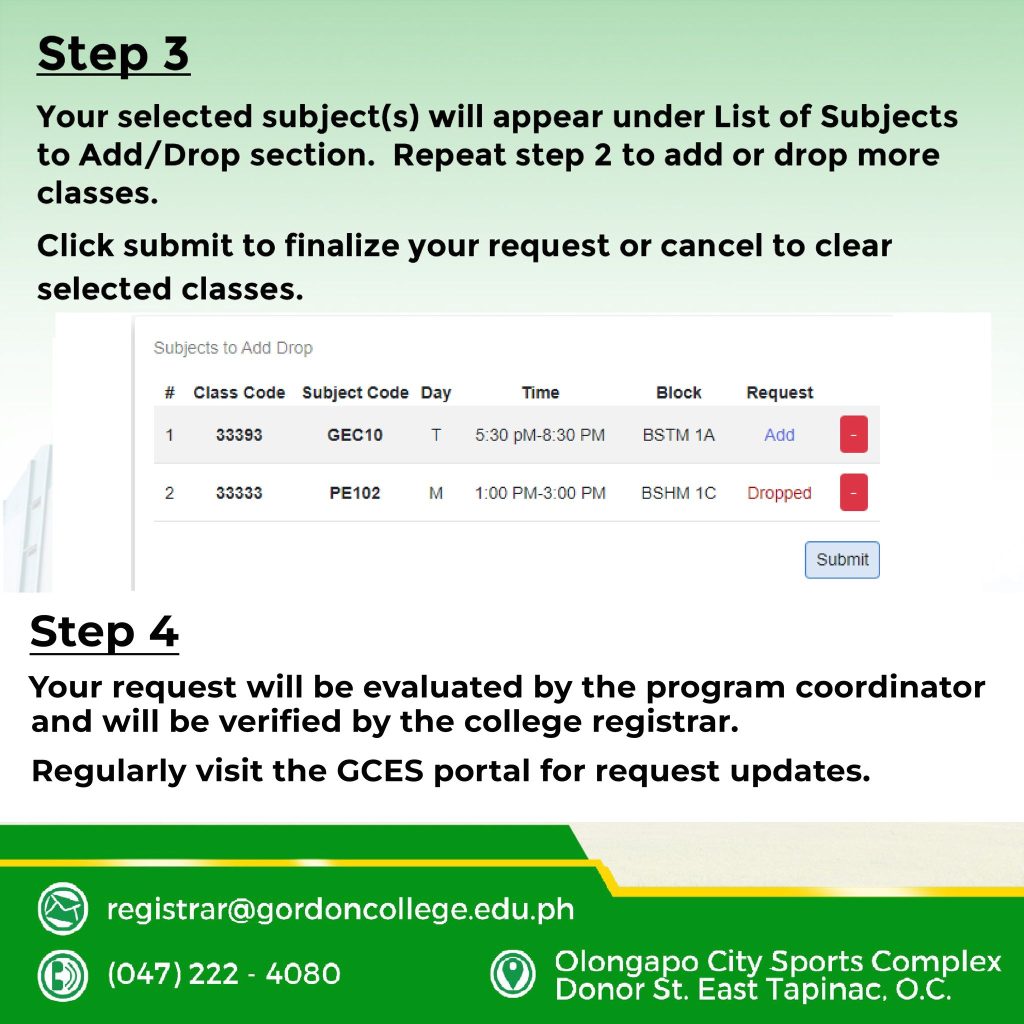
Step 3
Your selected subject(s) will appear under List of Subjects to Add/Drop section. Repeat step 2 to add or drop more classes.
Click submit to finalize your request or cancel to clear selected classes.
Step 4
Your request will be evaluated by your program coordinator and will be verified by the college registrar.
Regularly visit the GCES portal for request updates.